Plate 04Research · MCAST · BSc (Hons) Digital Games Development dissertation
Pit Lane
Dissertation tutor: step through C# one line at a time and predict each value as a racing world builds.
- Role
- Researcher & developer
- Org
- MCAST
- Stack
- React 19 · PixiJS · C# (Roslyn) · Node
- Year
- 2026–2027
- State
- Built and verified; pilot next
No. 04/10Research
Pit LanePit Lane
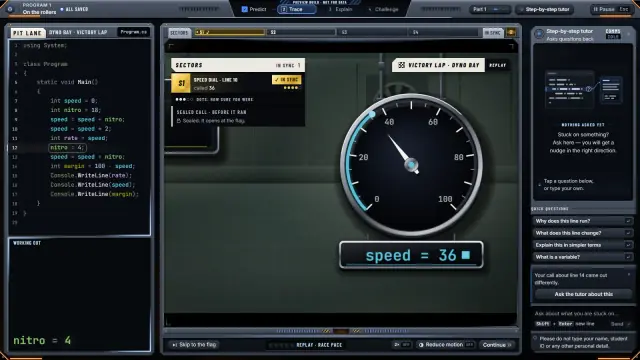
BSc (Hons) Digital Games Development dissertation
- Role
- Researcher & developer
- Org
- MCAST
- Stack
- React 19 · PixiJS · C# (Roslyn) · Node
- Year
- 2026–2027
Joemar Camenzuli · Set of 10
No. 04/10 · Back
Pit Lane
What I built
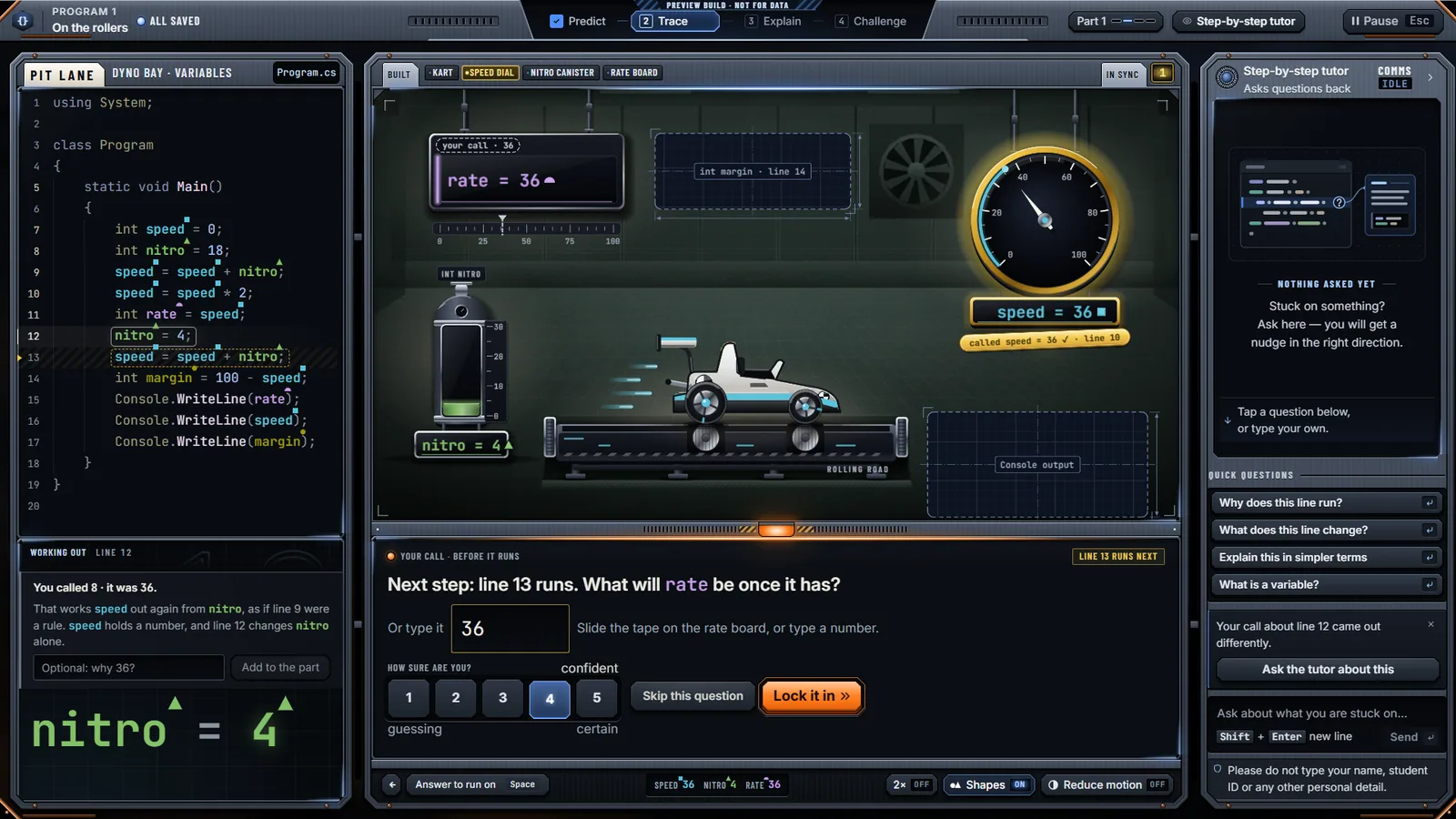
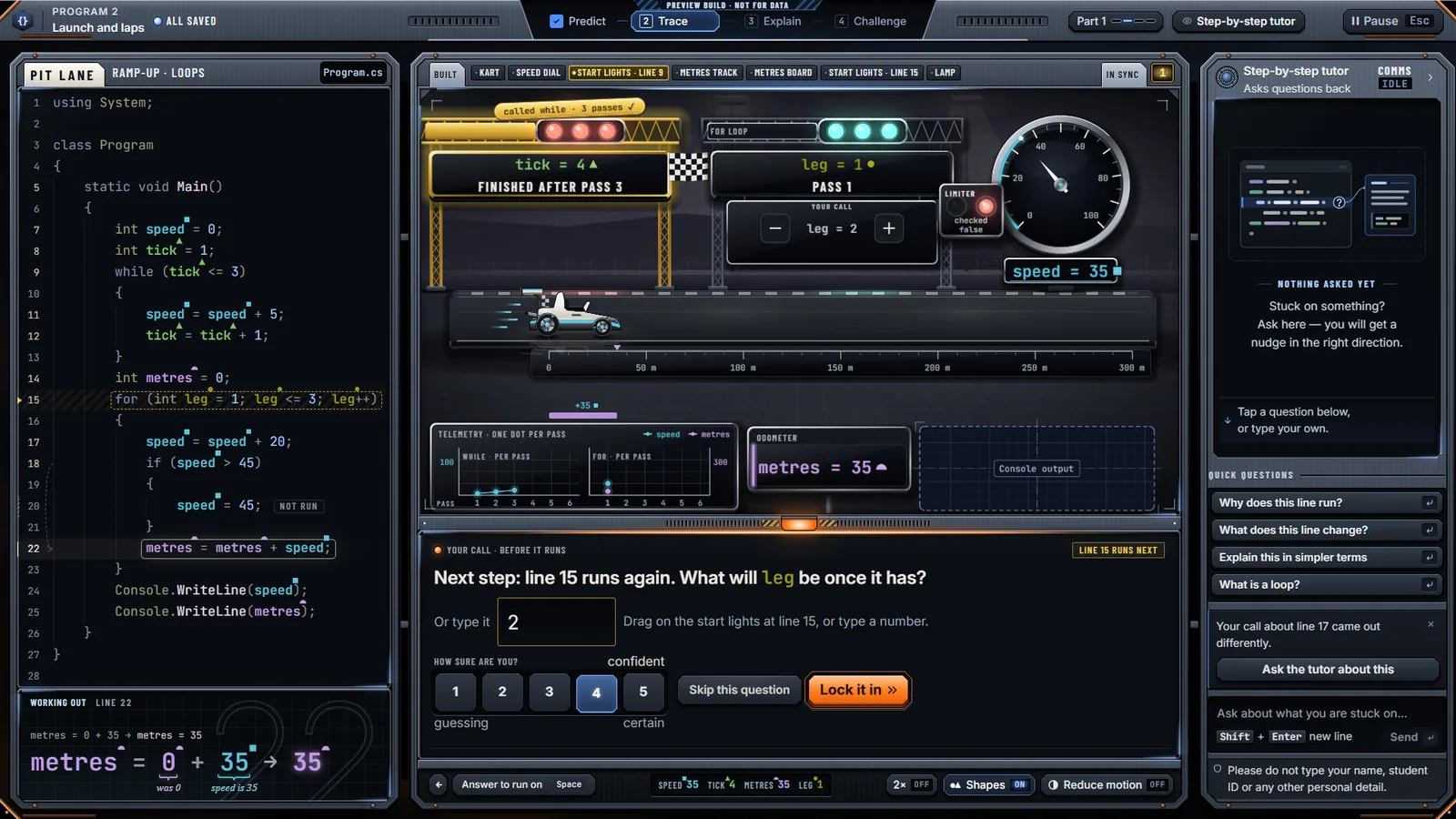
- A step-by-step tutor: learners run real C# programs one line at a time and call each value before it is shown
- A Manim-style layer that animates how C# works out each expression, then flies the value to where it is stored
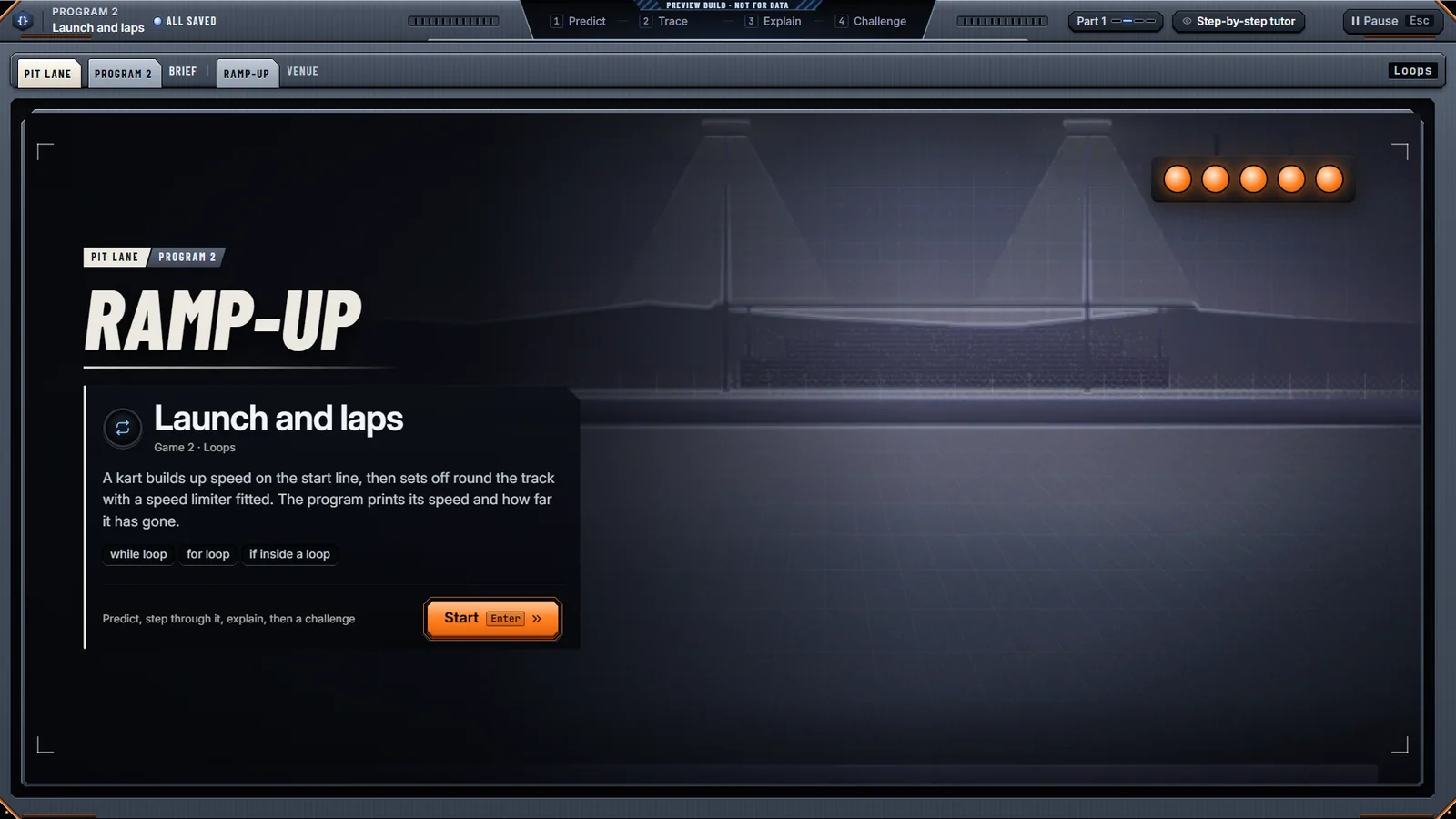
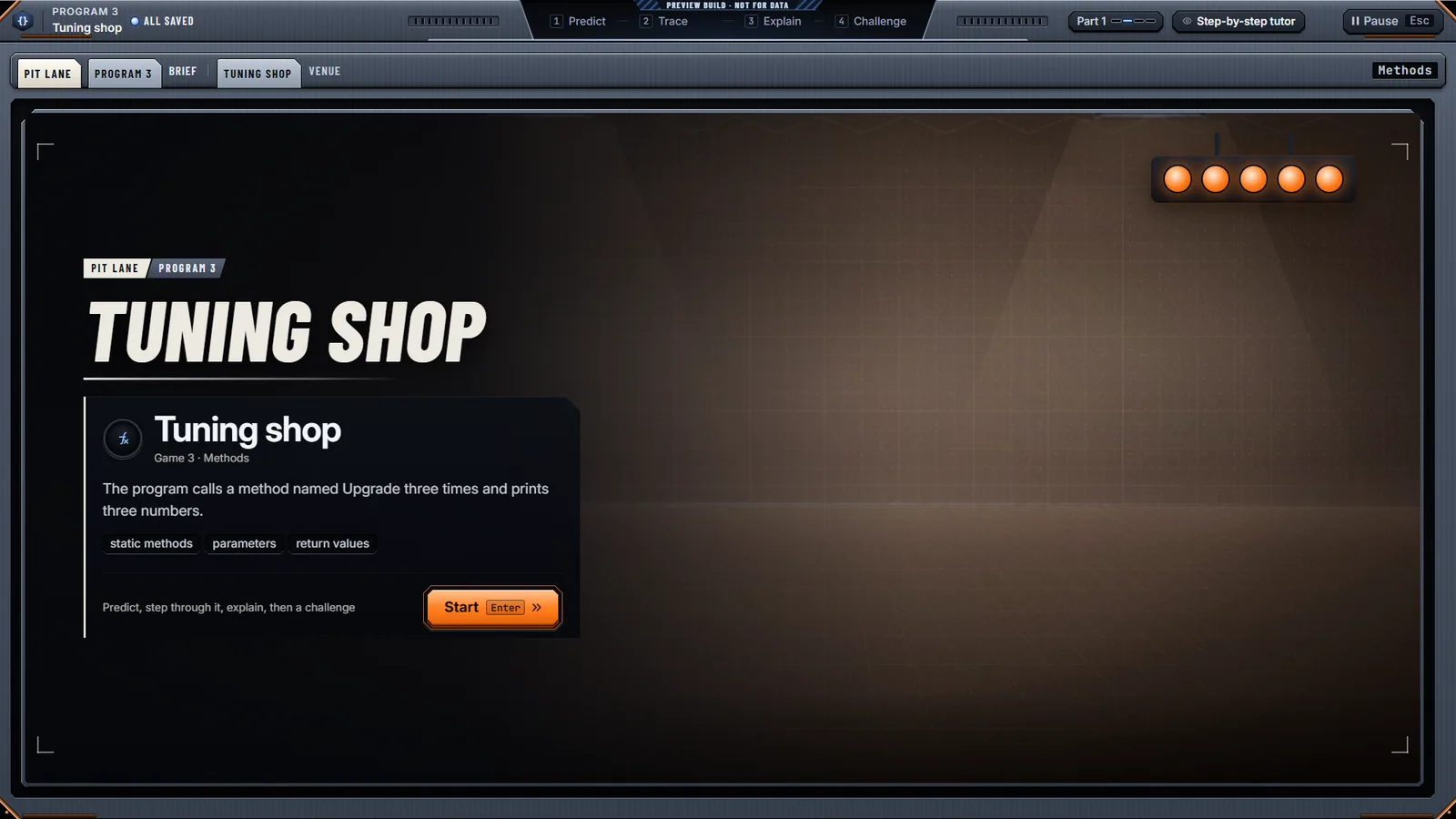
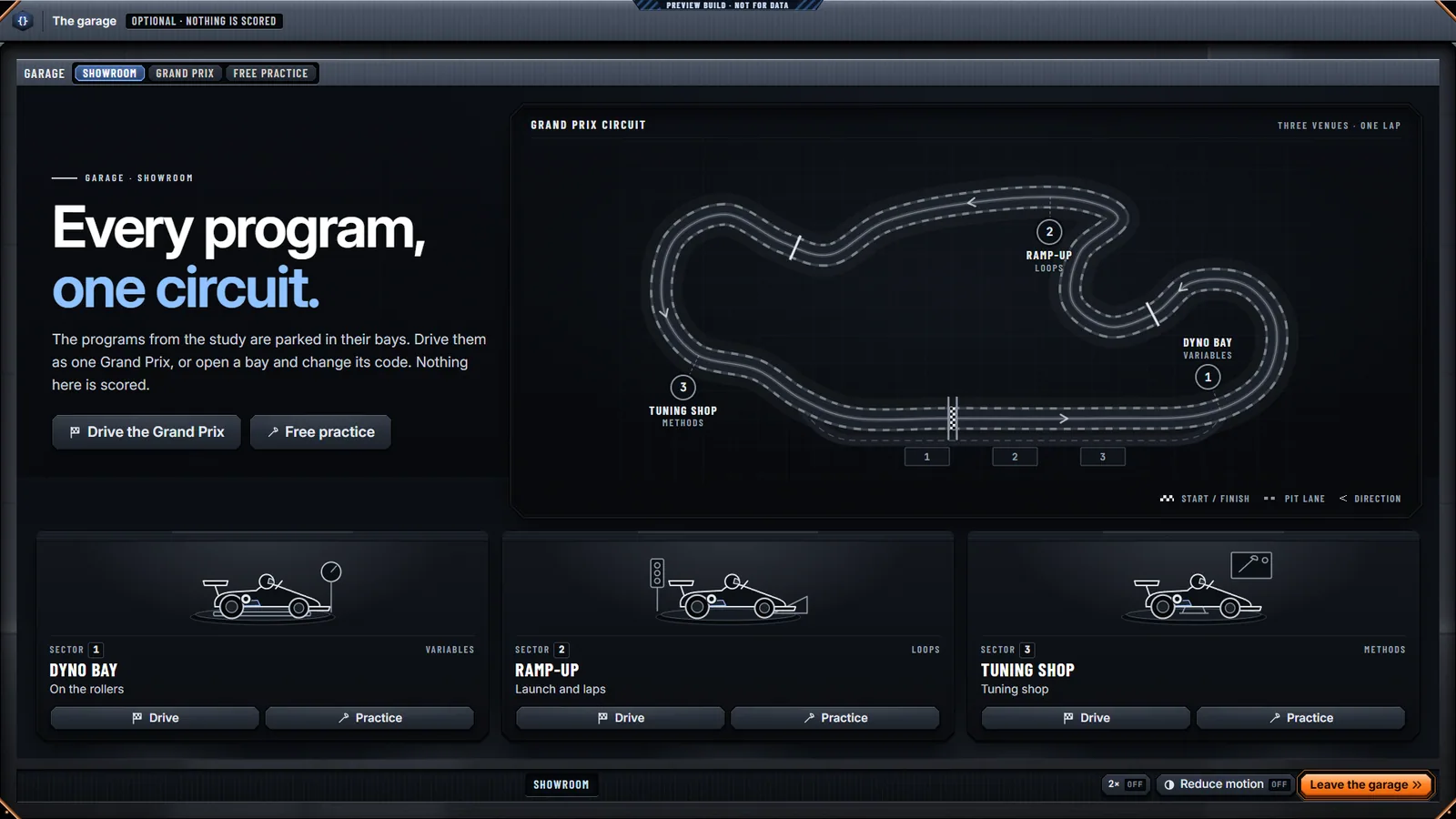
- A racing world the program builds as it runs, across three tiers: variables, loops and methods
- A tutor chat that is only told what the learner has seen and never gives the answer away
- Role
- Researcher & developer
- Org
- MCAST
- Stack
- React 19 · PixiJS · C# (Roslyn) · Node
- Year
- 2026–2027
What I built
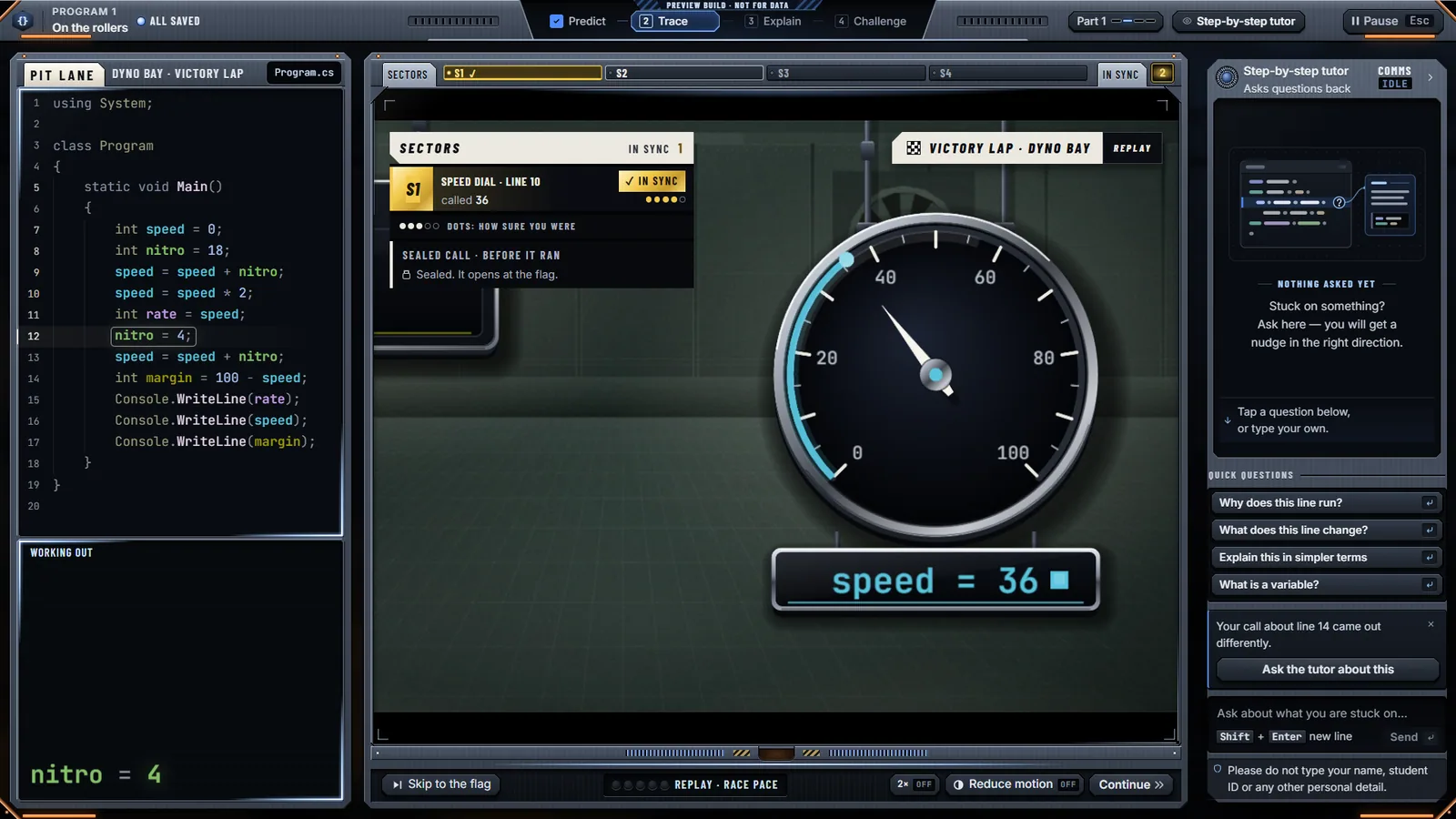
- A step-by-step tutor: learners run real C# programs one line at a time and call each value before it is shown
- A Manim-style layer that animates how C# works out each expression, then flies the value to where it is stored
- A racing world the program builds as it runs, across three tiers: variables, loops and methods
- A tutor chat that is only told what the learner has seen and never gives the answer away
- RoslynTracer, a C# tracer that records every sub-expression in real evaluation order
- A study harness comparing the tutor with a plain AI assistant, using the same programs and measures
Gallery
Clips
Short silent clips. Each one plays only when you press Play.
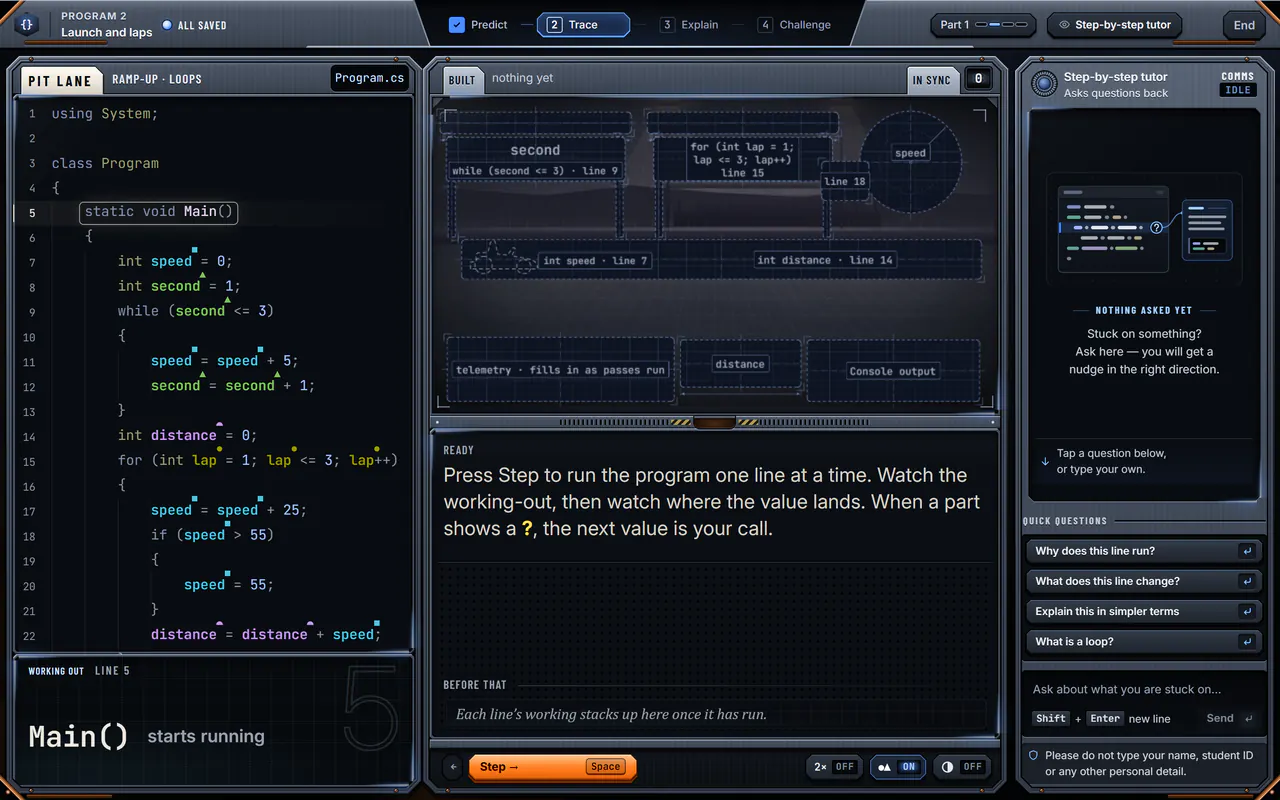
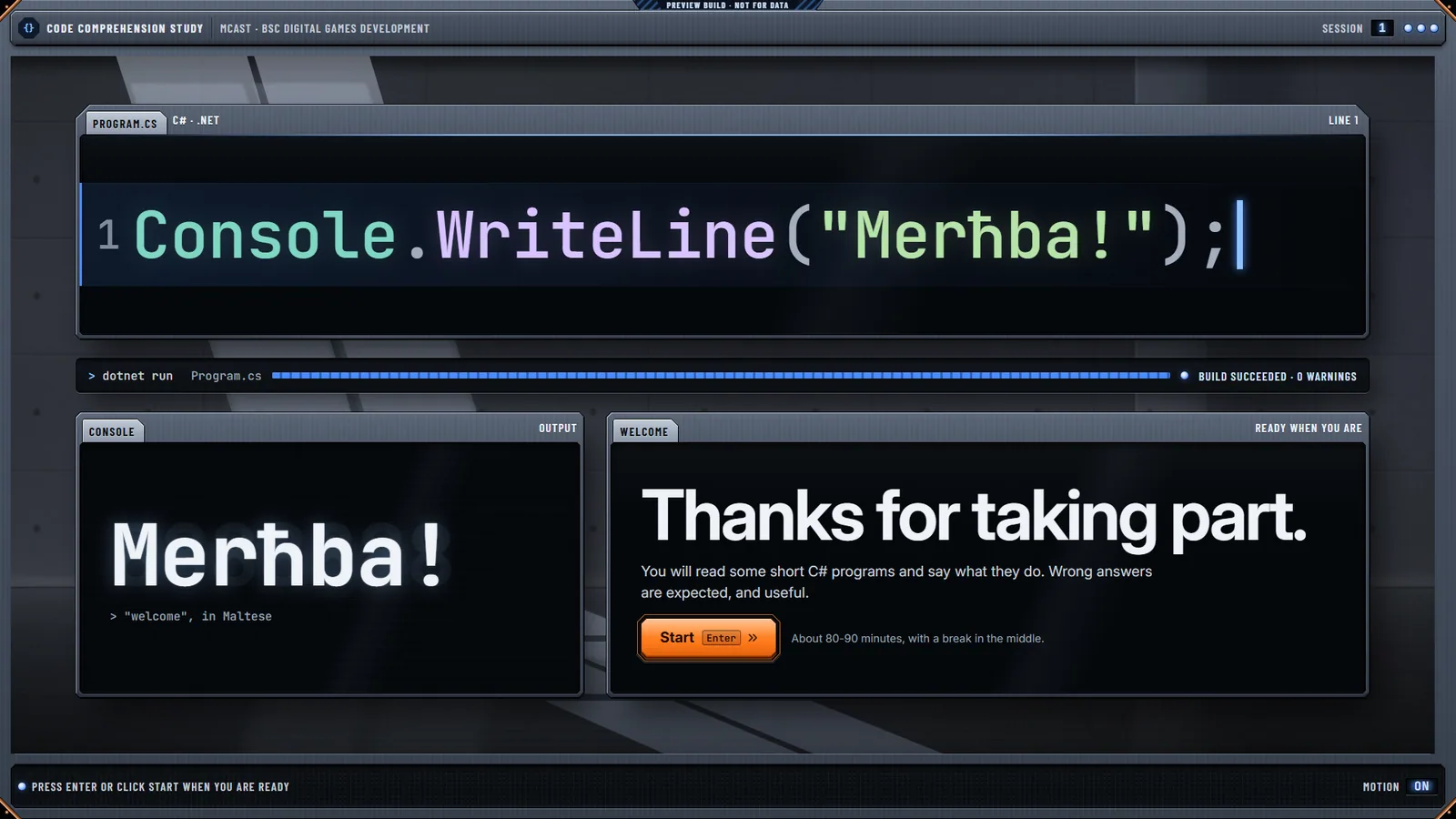
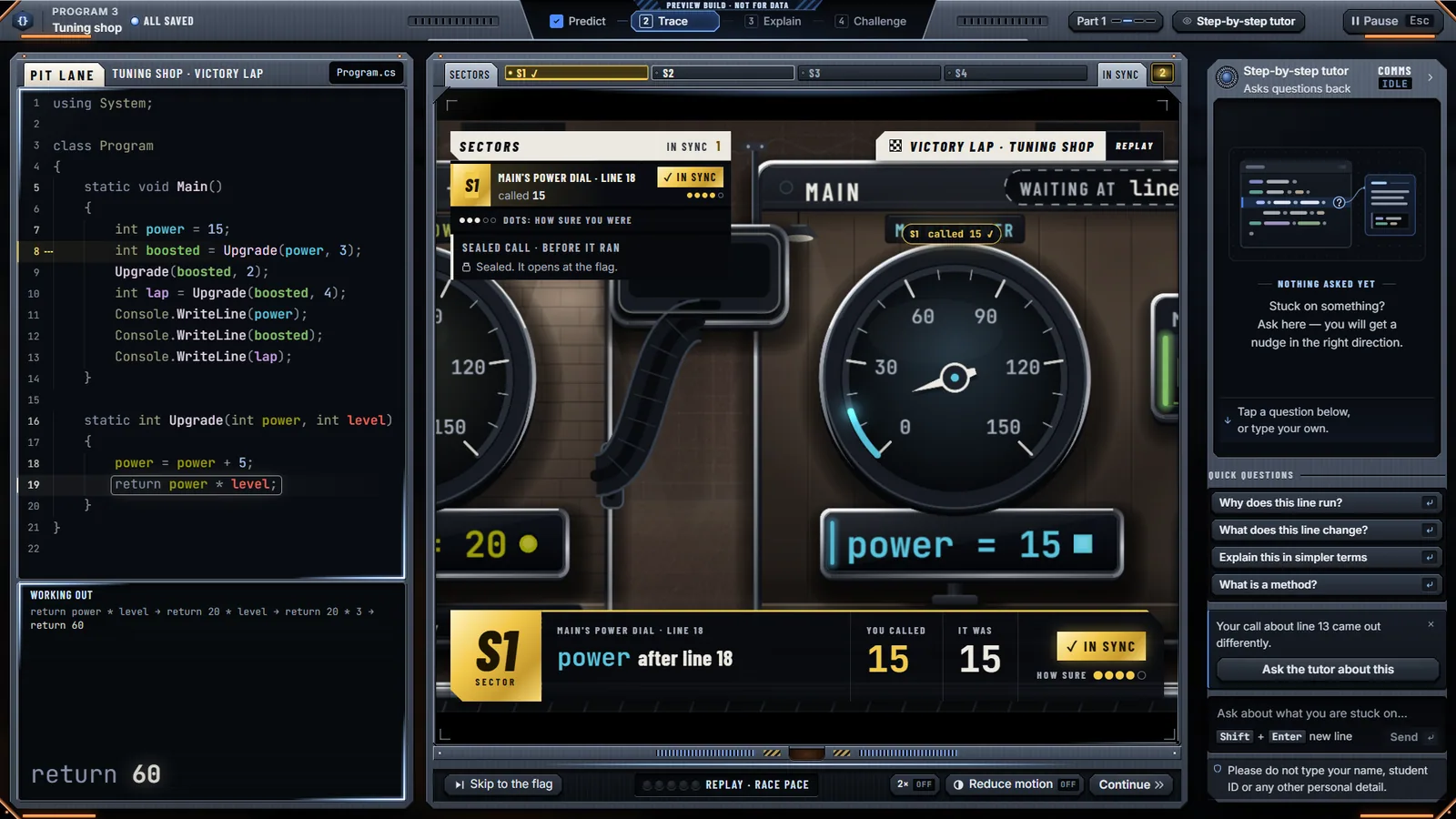
Pressing Step runs line 7 and the kart and speed dial build themselves out of the blueprint; line 8 then raises the launch gantry. 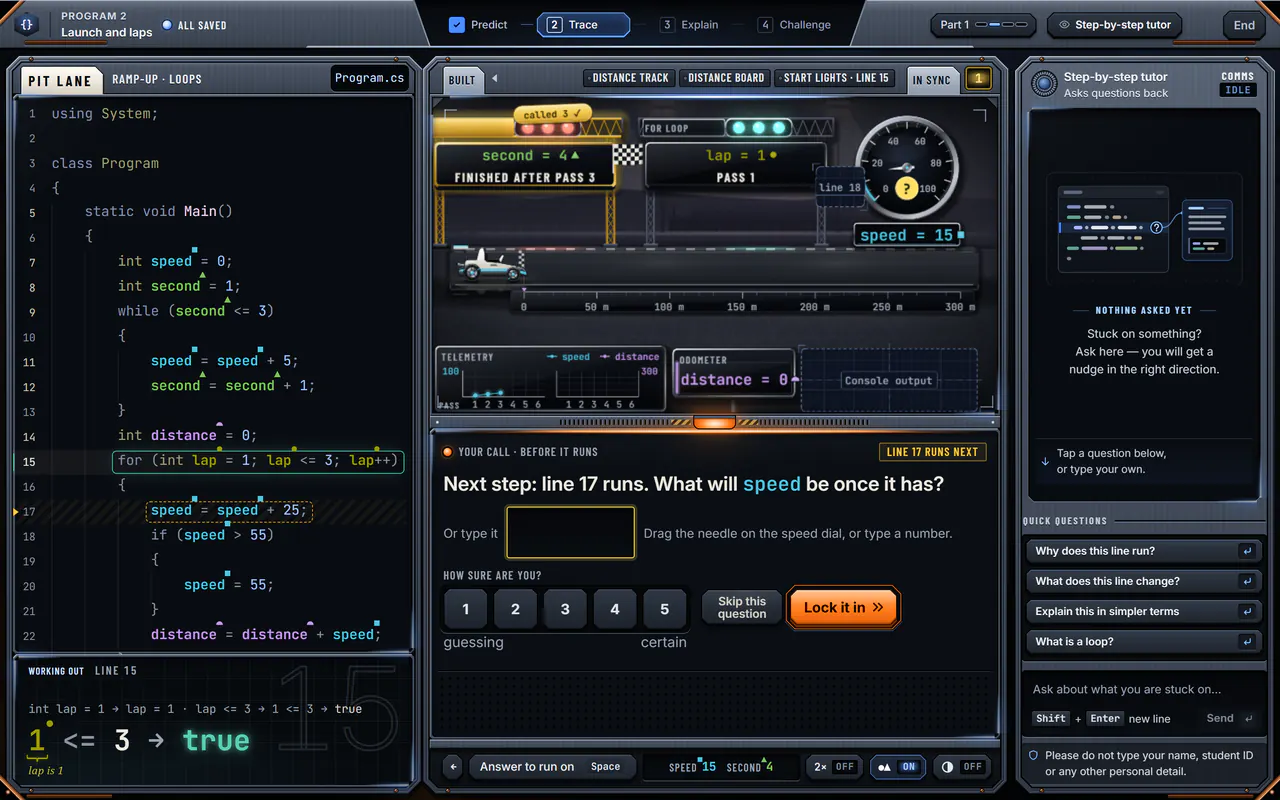
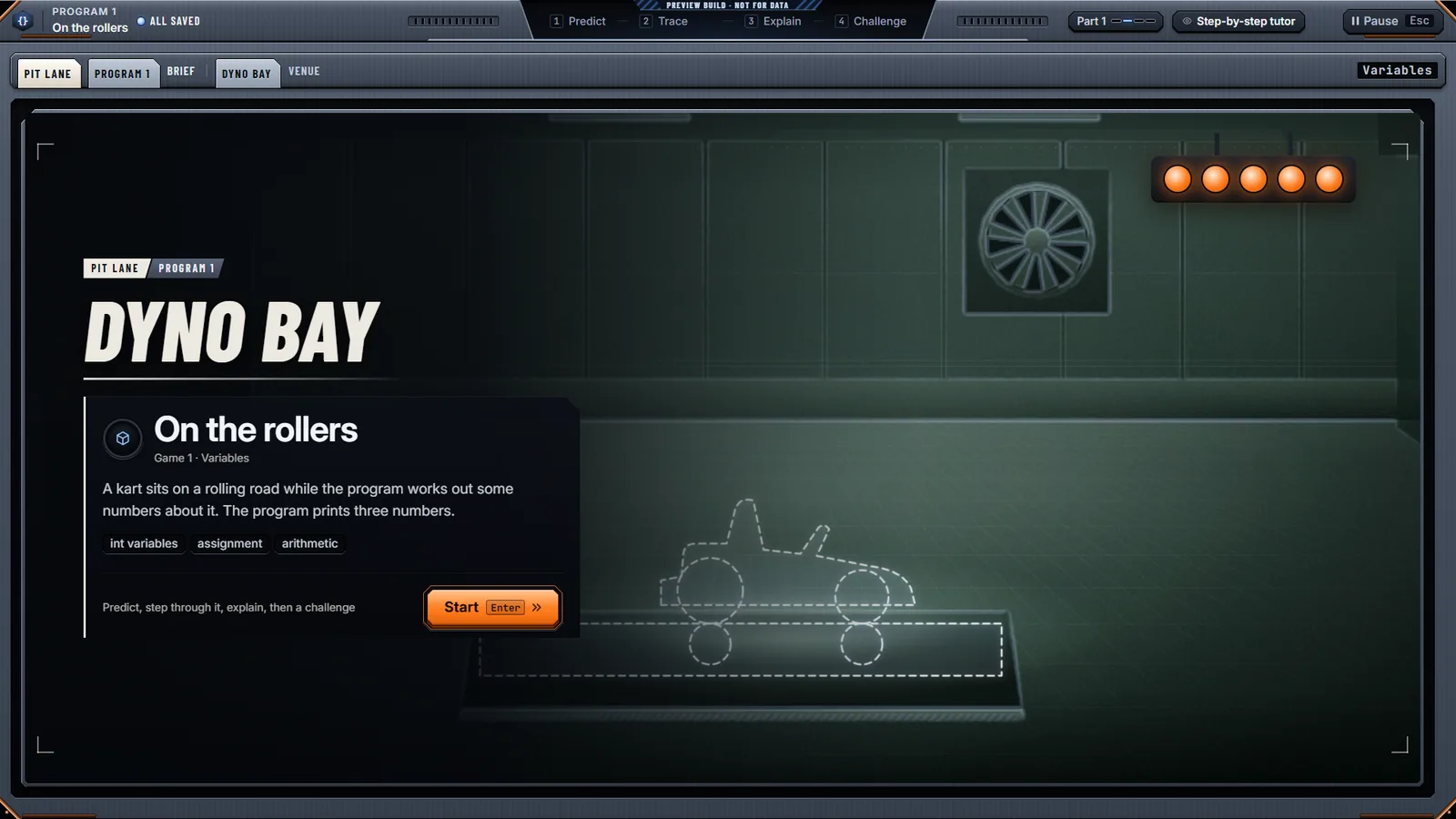
Before line 17 runs the learner calls speed: 40; the working-out shows 15 + 25 → 40, the value flies into the speed dial and the dial turns gold: in sync. 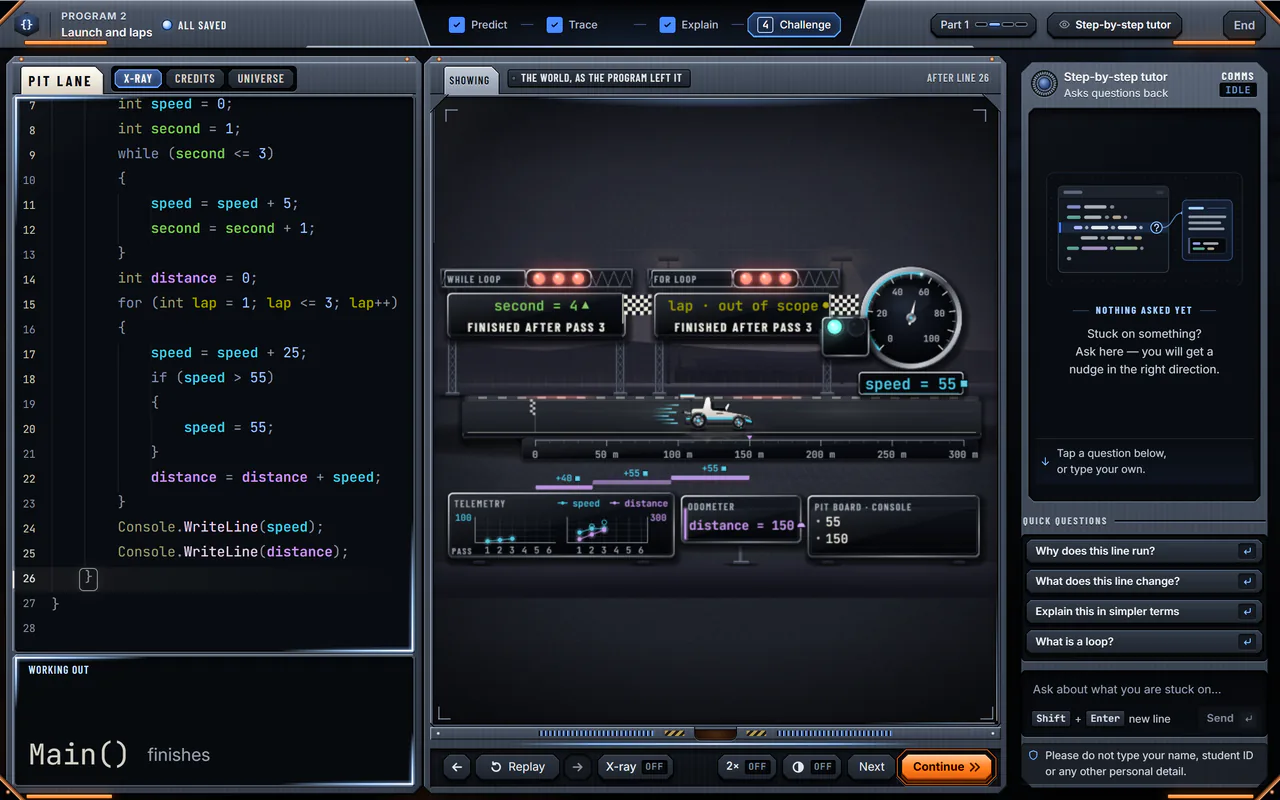
An X-ray sweep turns the finished racing world into what is in memory: Main’s speed 55, second 4 and distance 150. 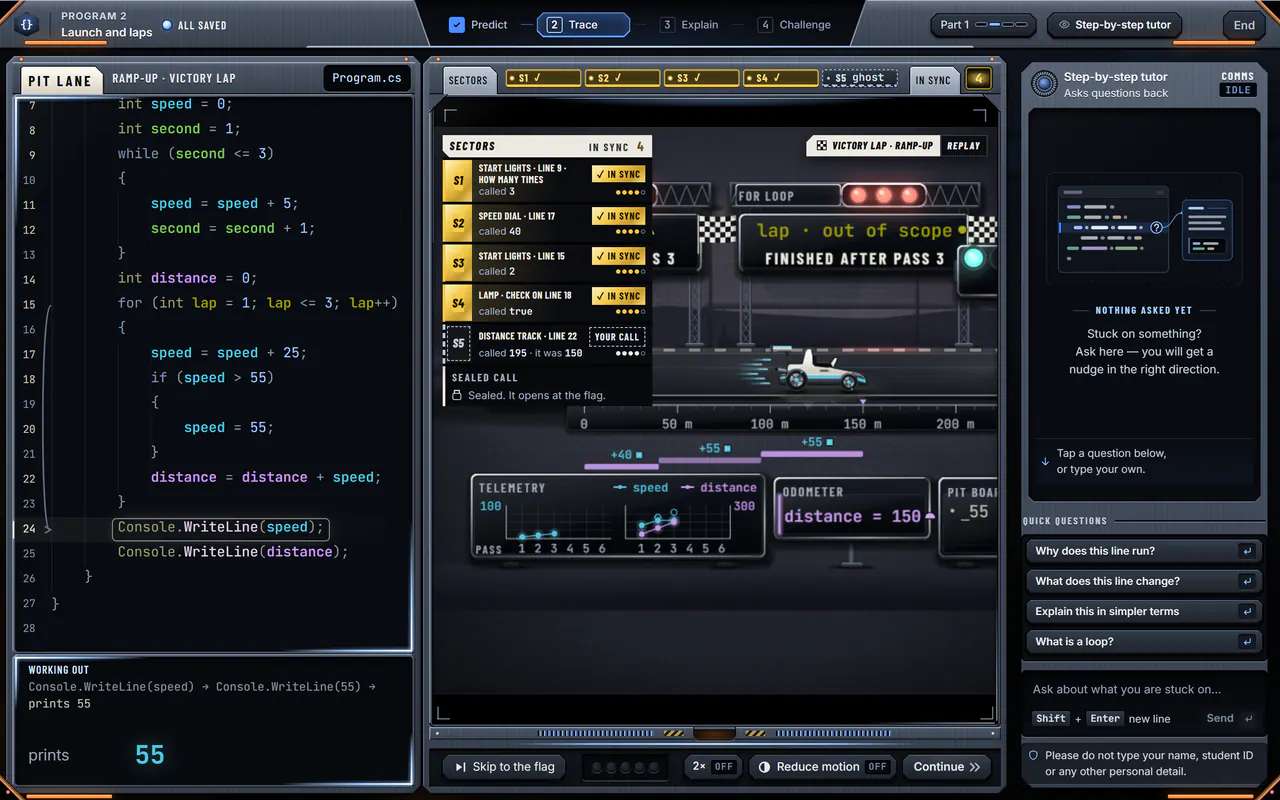
The victory lap ends: the camera pulls out over the racing world, the chequered flag flashes and the photo finish shows the sealed call, 55 and 150, in sync. 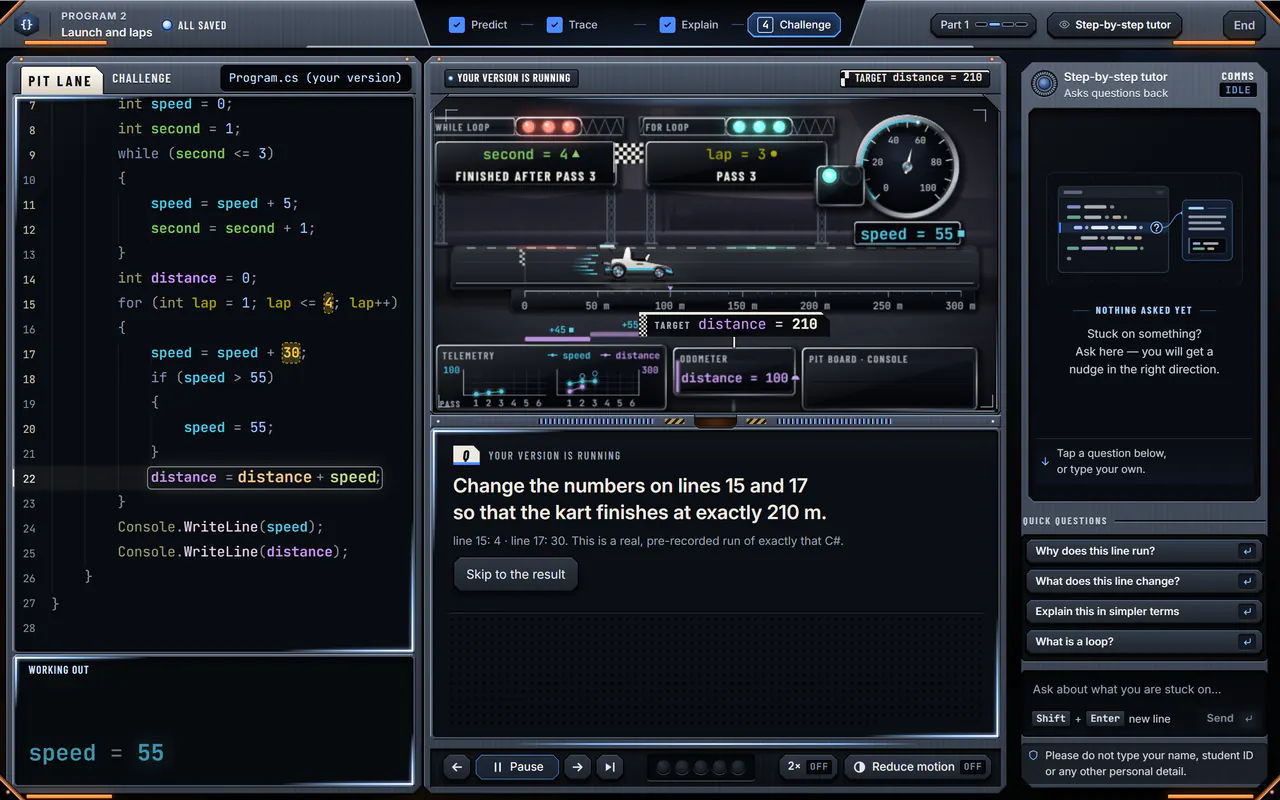
The learner’s changed program runs for real: the kart drives on to 155 m, then 210 m, and the challenge ends on TARGET HIT, distance = 210.
Case study
Problem
To what extent does a visual, interactive, gamified tutor improve novice programmers’ perceived understanding of code, compared with a generic LLM chatbot? And how can such a tutor be designed and integrated with a guardrailed AI agent?
Approach
A within-subjects study with two conditions: the step-by-step tutor, and the same programs on a worksheet with a plain AI assistant. Both share one design system, the same measures and the same local model at the same latency.
Systems
C# runs the truth and TypeScript paints it. RoslynTracer (.NET 10) traces each program offline; a Node study server releases the execution to the browser through one gate, so the client never sees ahead; a React 19 client draws an SVG/DOM animation layer and a PixiJS world. The model runs locally in Ollama, so nothing leaves the machine.