Plate 01Game · Mobile game, portrait first
Top Shelf
Unity mobile game: fling toy figurines that ricochet around arenas and chain elemental reactions.
- Role
- Solo developer
- Team
- Solo
- Engine
- Unity 6 (C#)
- Year
- 2026
- State
- In development
No. 01/10Game
Top ShelfTop Shelf
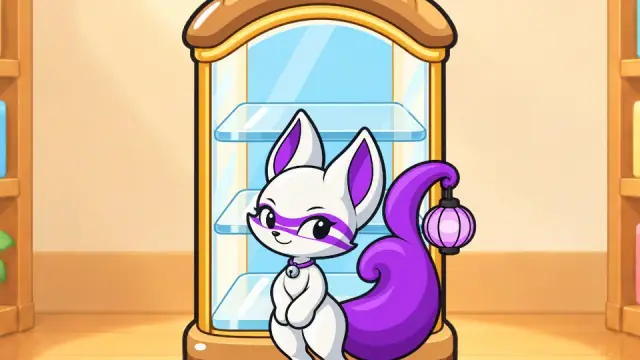
Mobile game, portrait first
- Role
- Solo developer
- Engine
- Unity 6 (C#)
- Year
- 2026
- State
- In development
Joemar Camenzuli · Set of 10
No. 01/10 · Back
Top Shelf
What I built
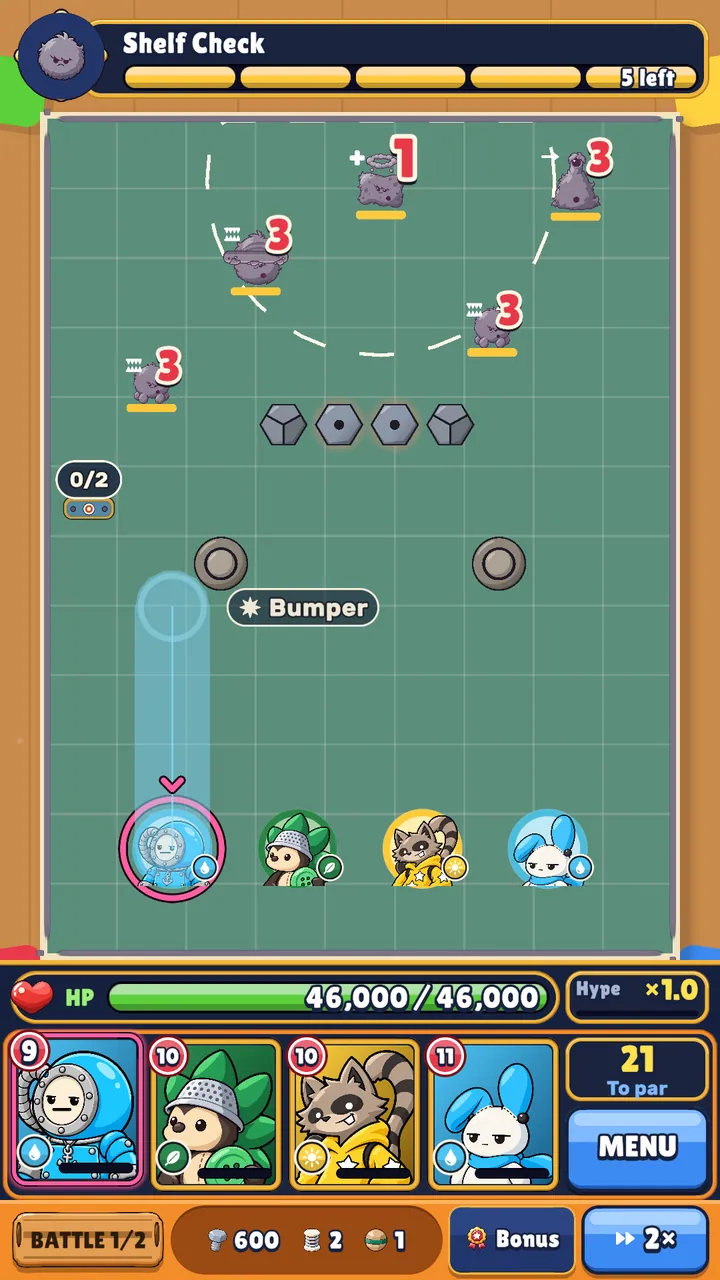
- Slingshot launch and ricochet combat
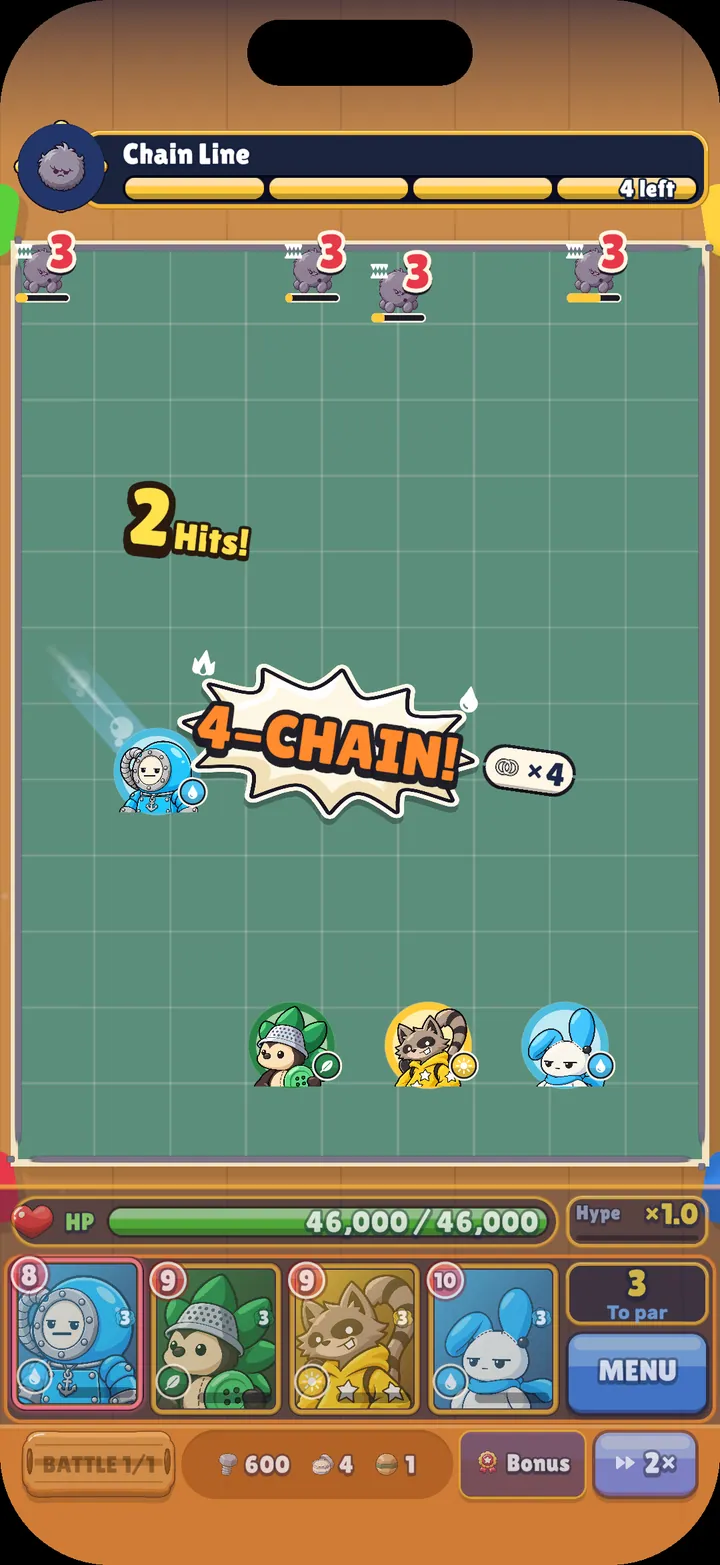
- Elemental reaction chains
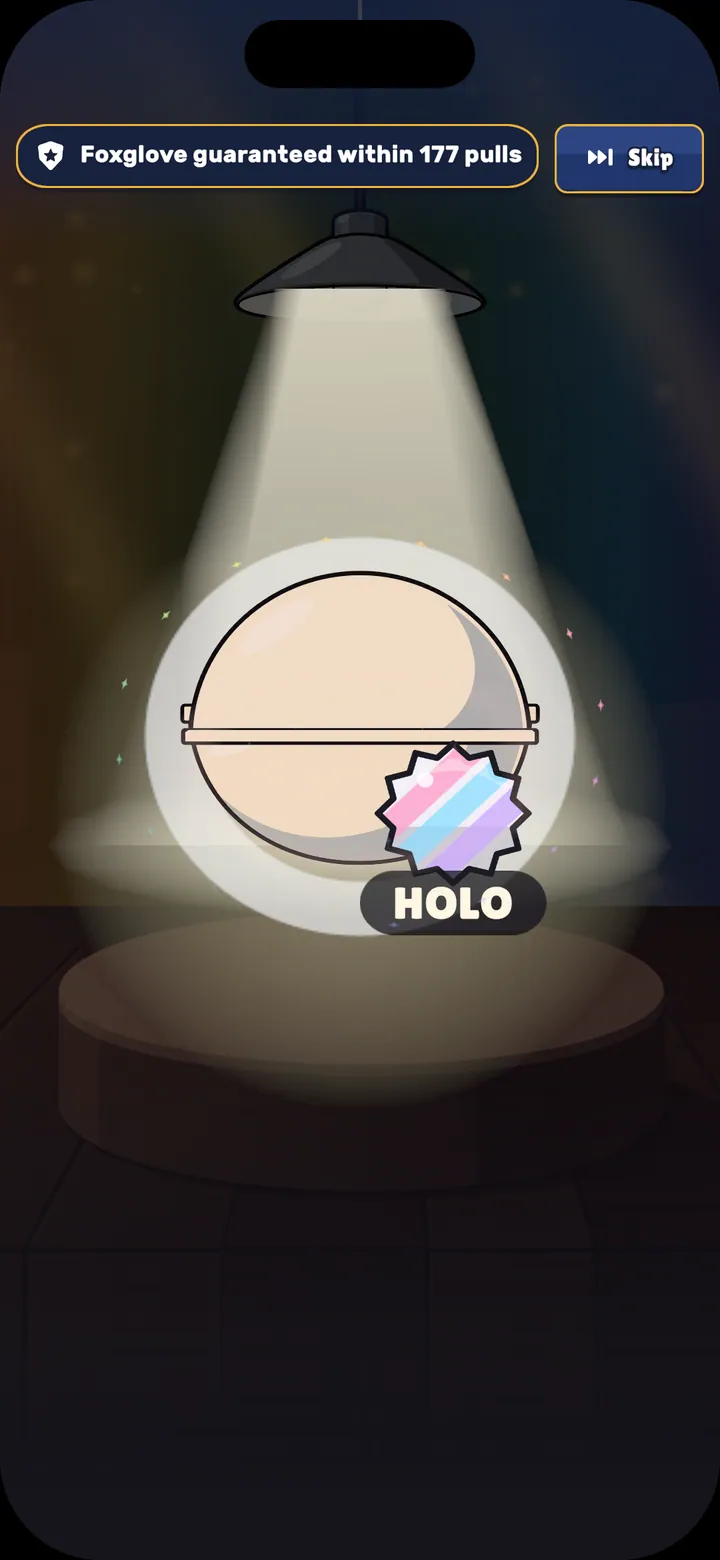
- Capsule Drop summons with staged reveals
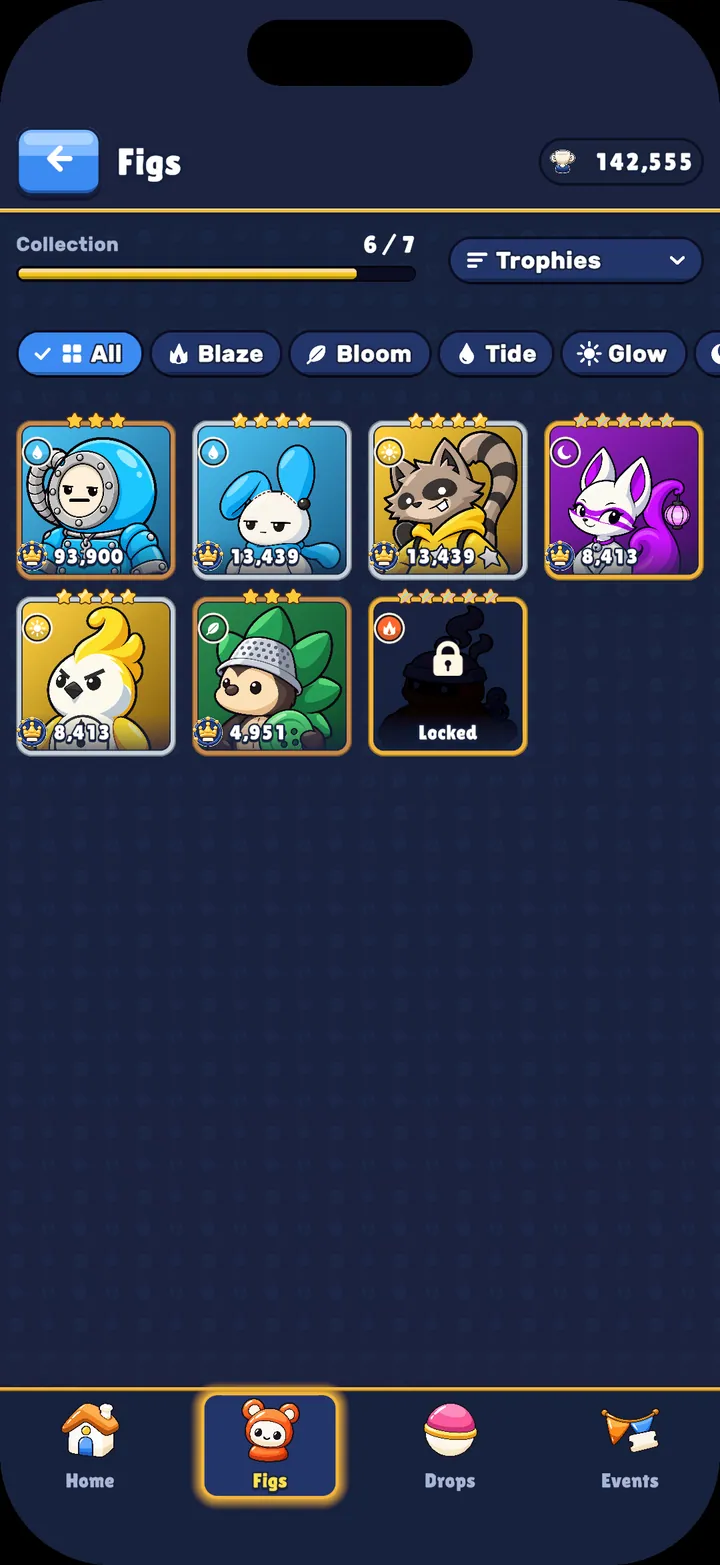
- Figurine collection, levelling and Trophies progression
- Role
- Solo developer
- Engine
- Unity 6 (C#)
- Year
- 2026
- State
- In development
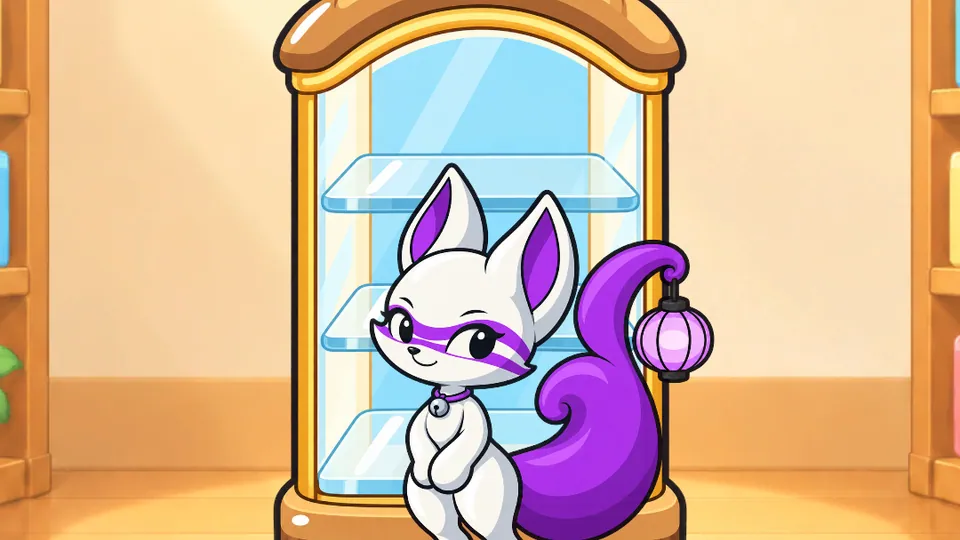
What I built
- Slingshot launch and ricochet combat
- Elemental reaction chains
- Capsule Drop summons with staged reveals
- Figurine collection, levelling and Trophies progression
- Portrait-first mobile UI
Gallery
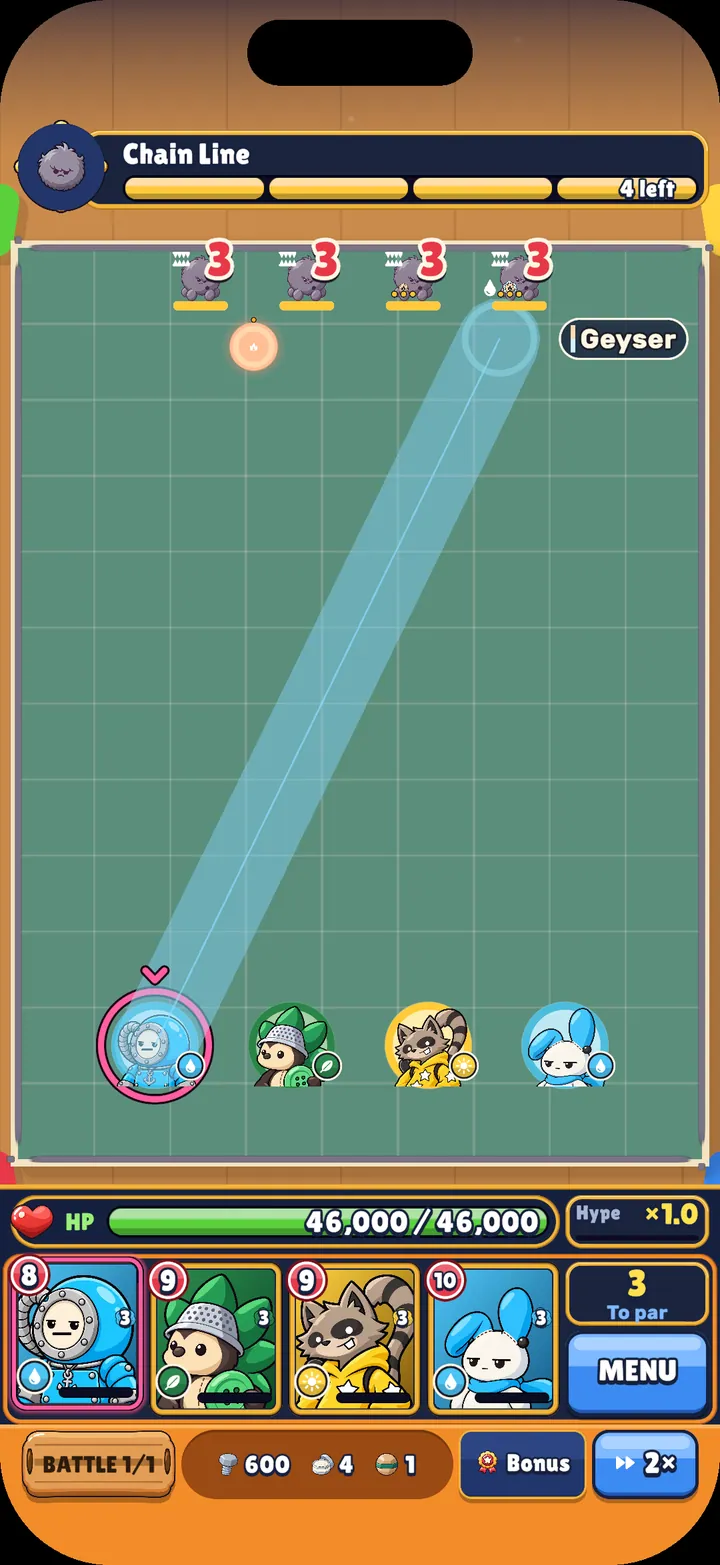
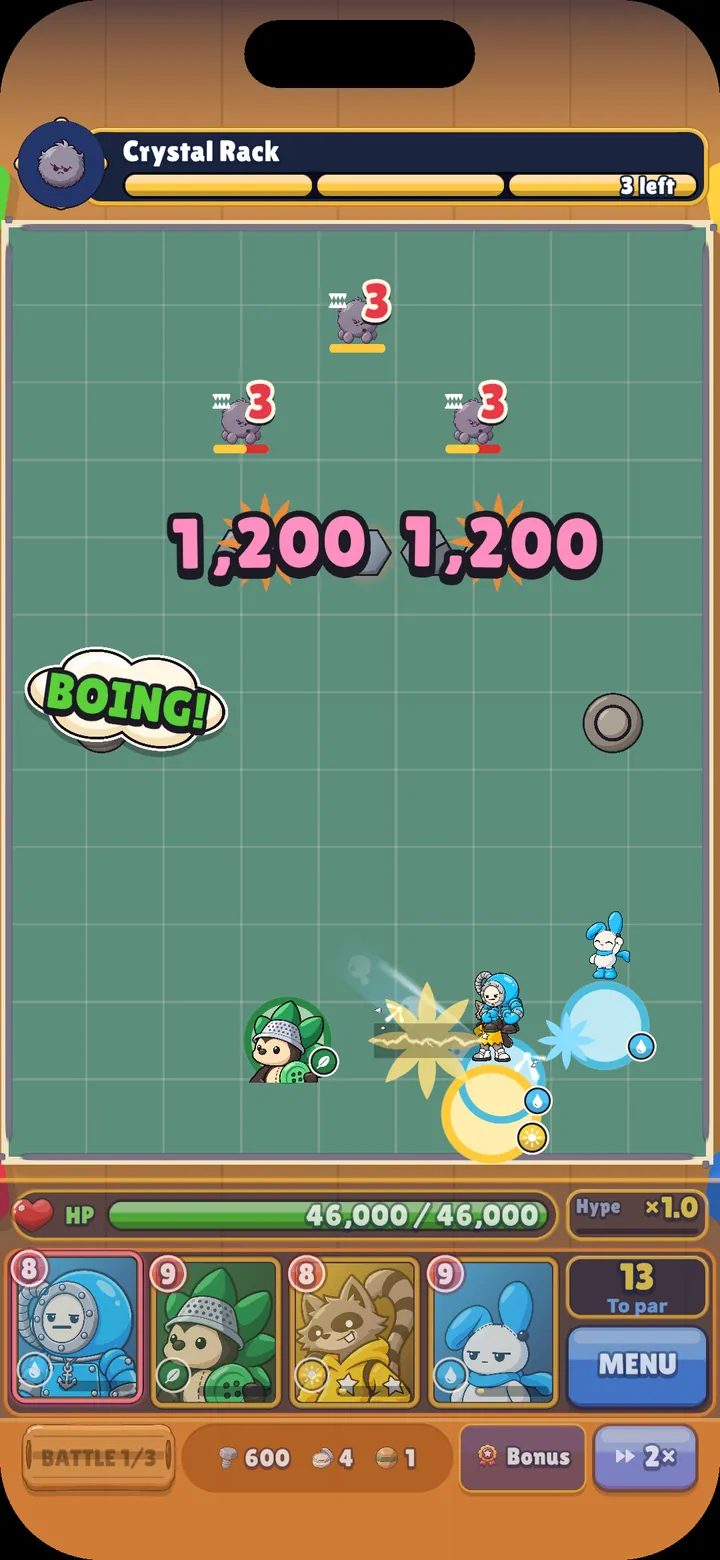
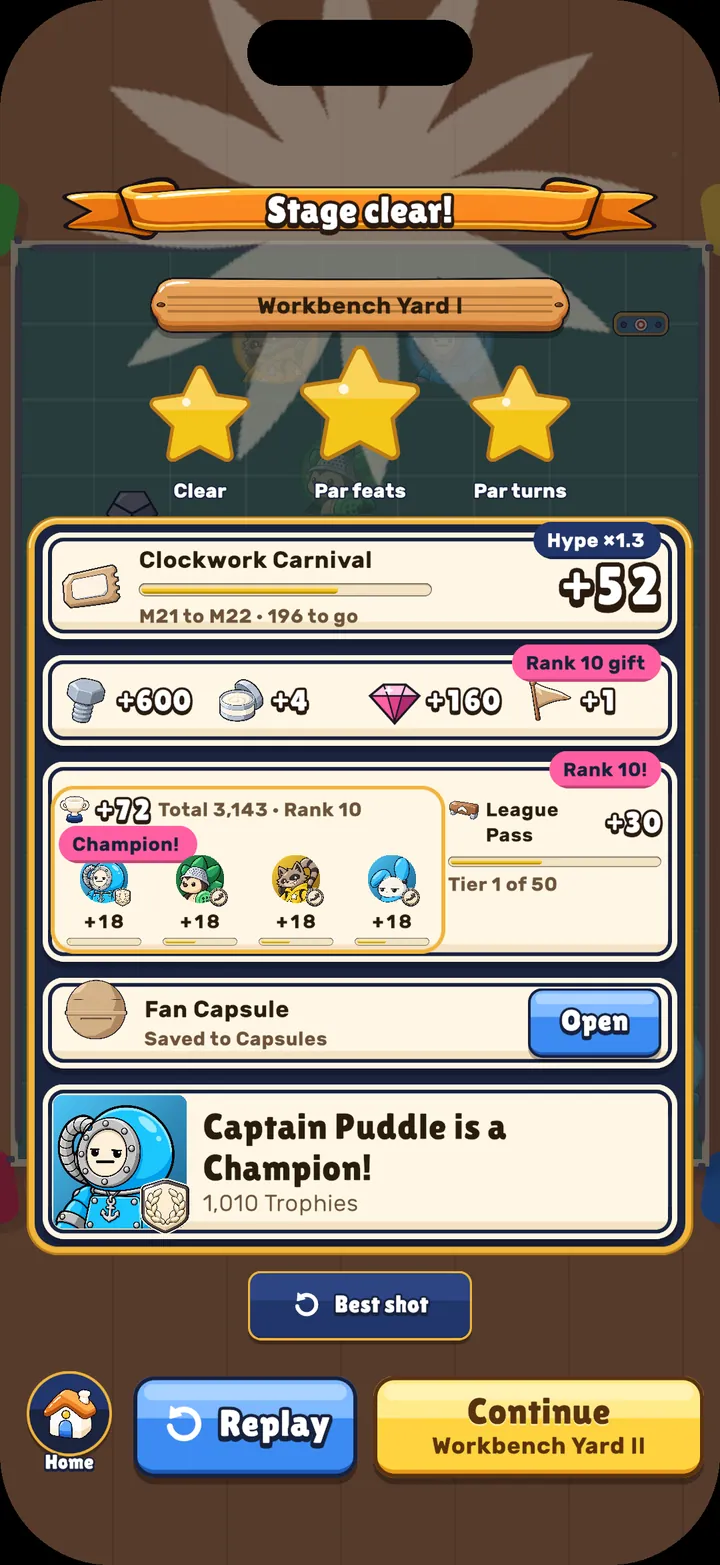
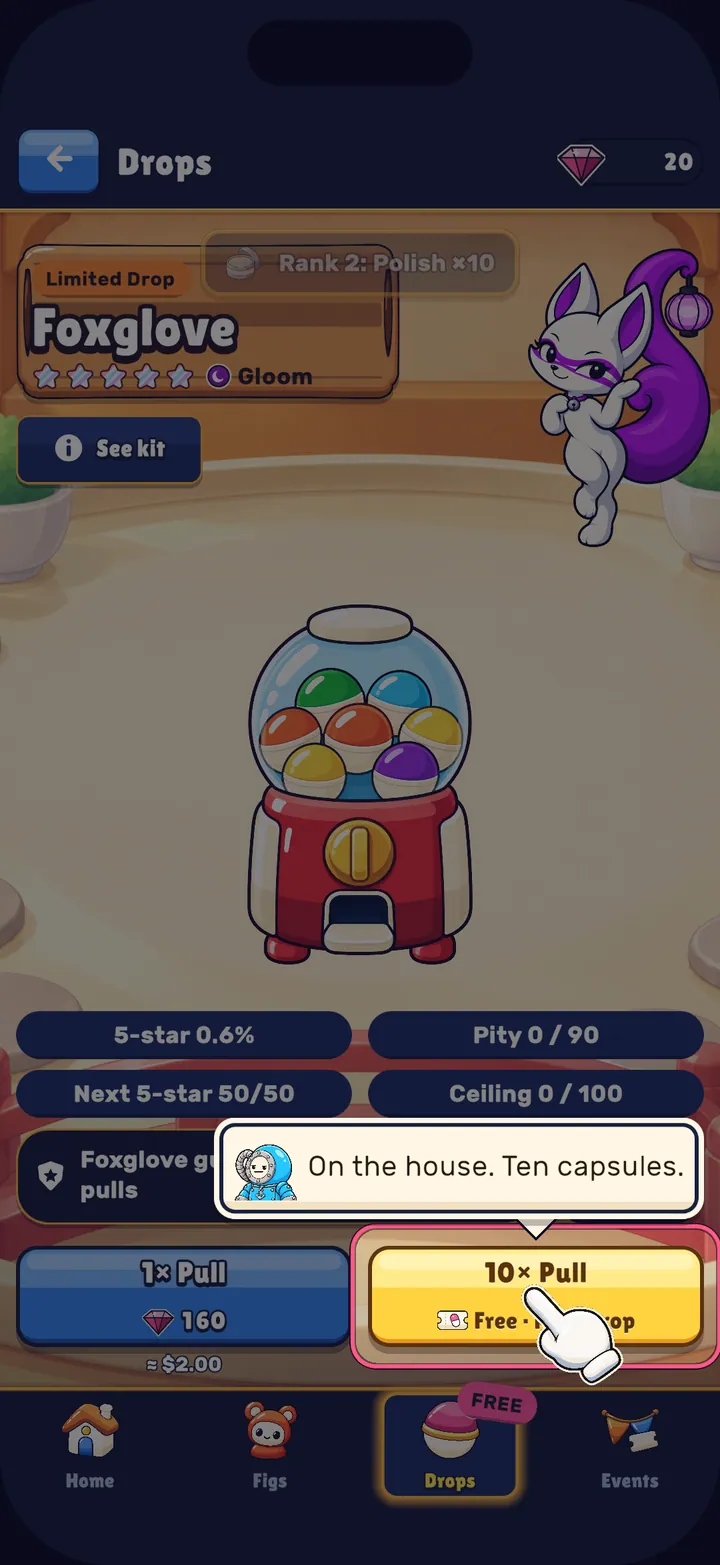
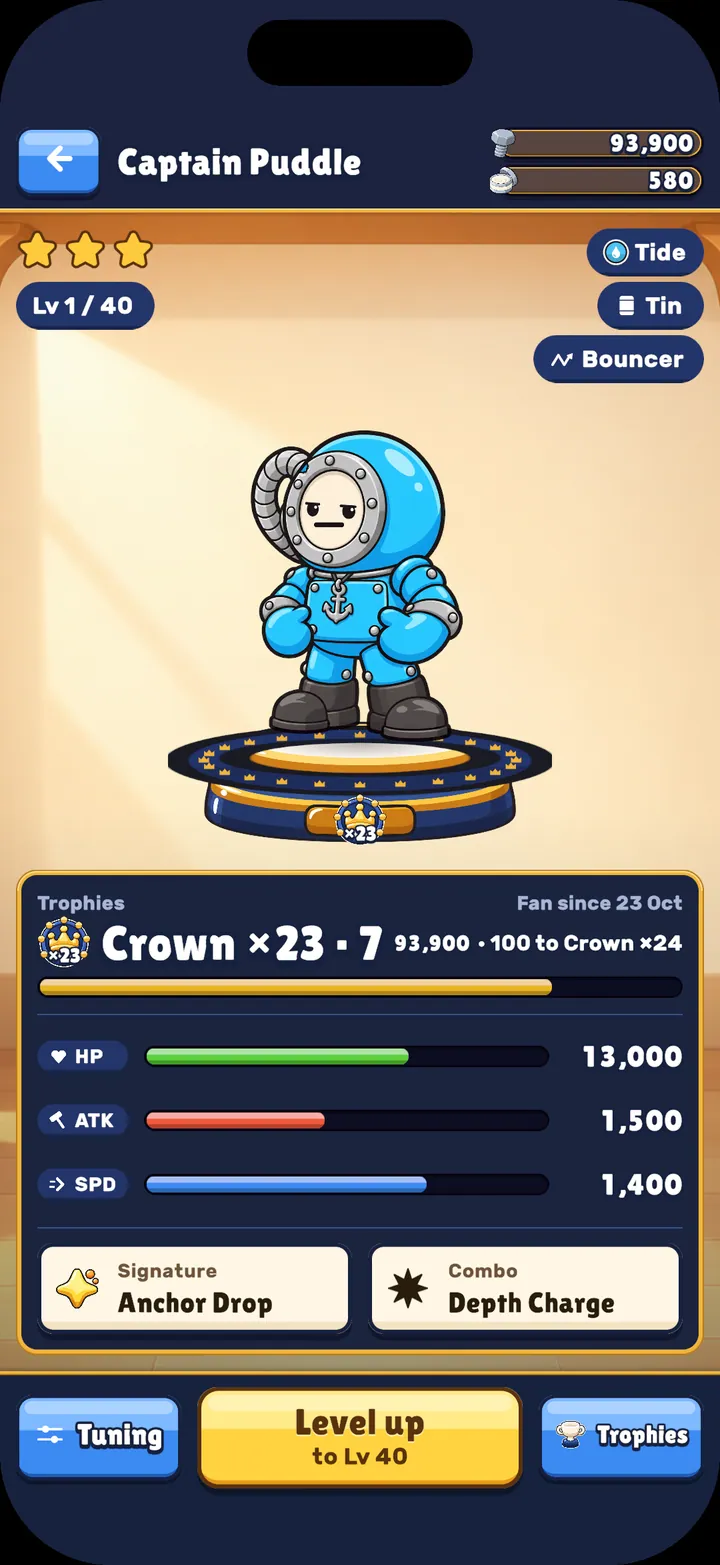
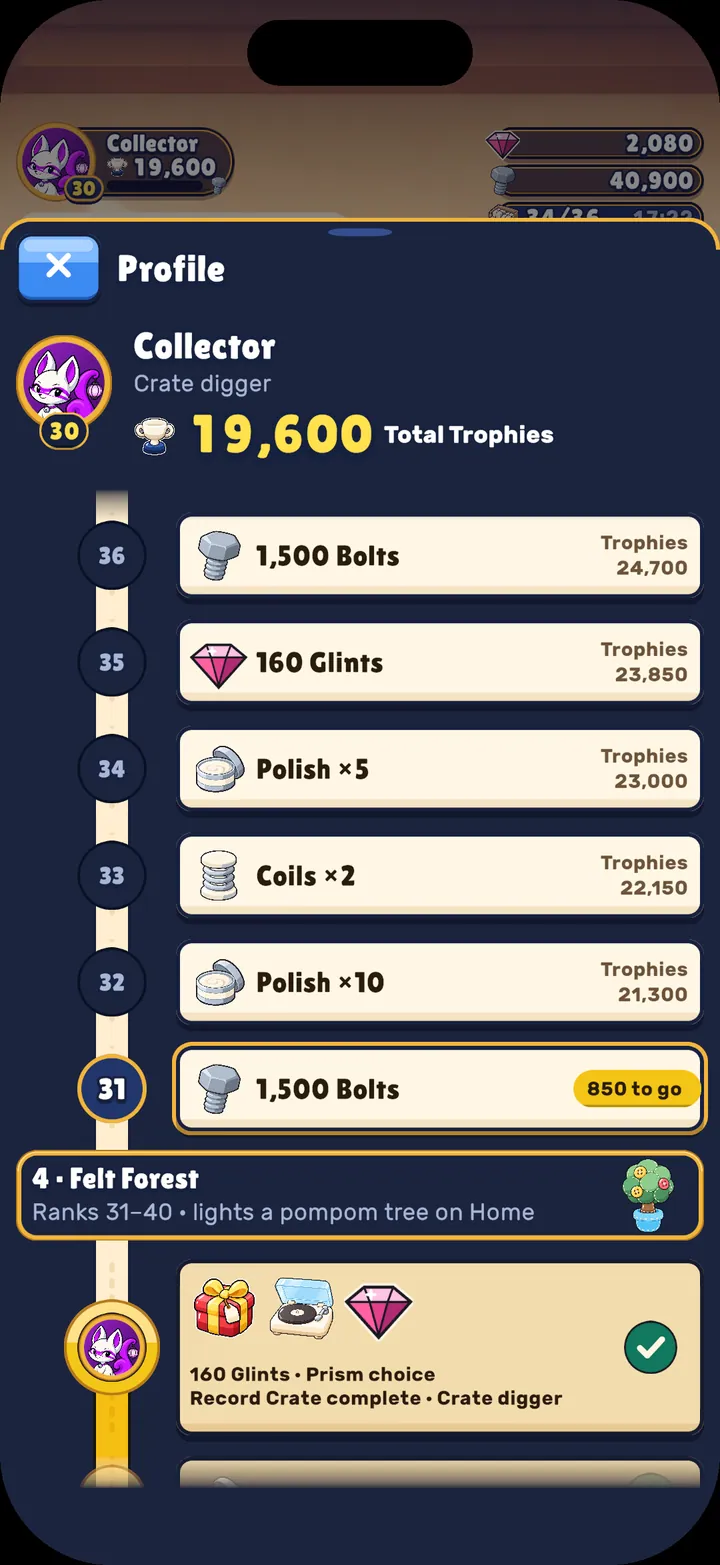
Clips
Short silent clips. Each one plays only when you press Play.
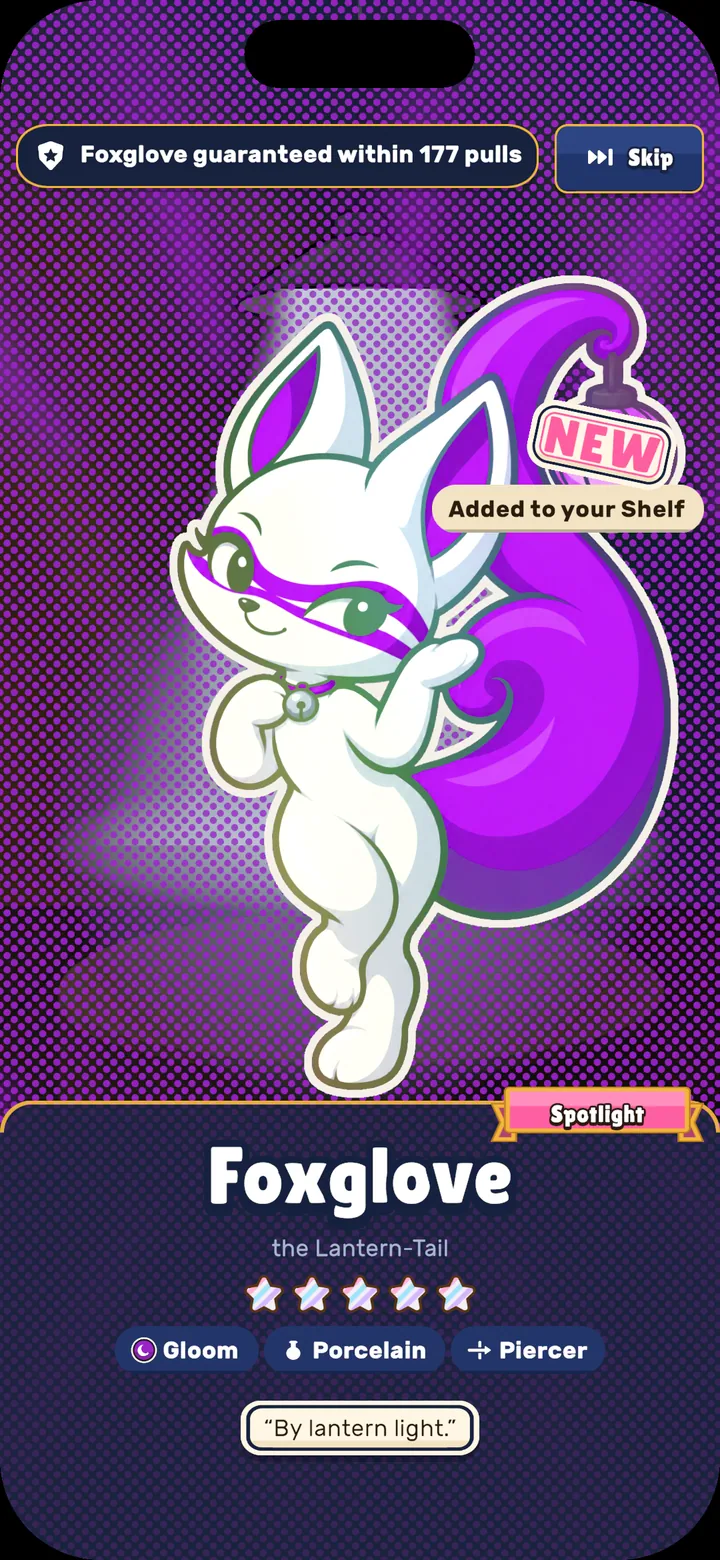
A five-star summon: a capsule opens and Foxglove is revealed. 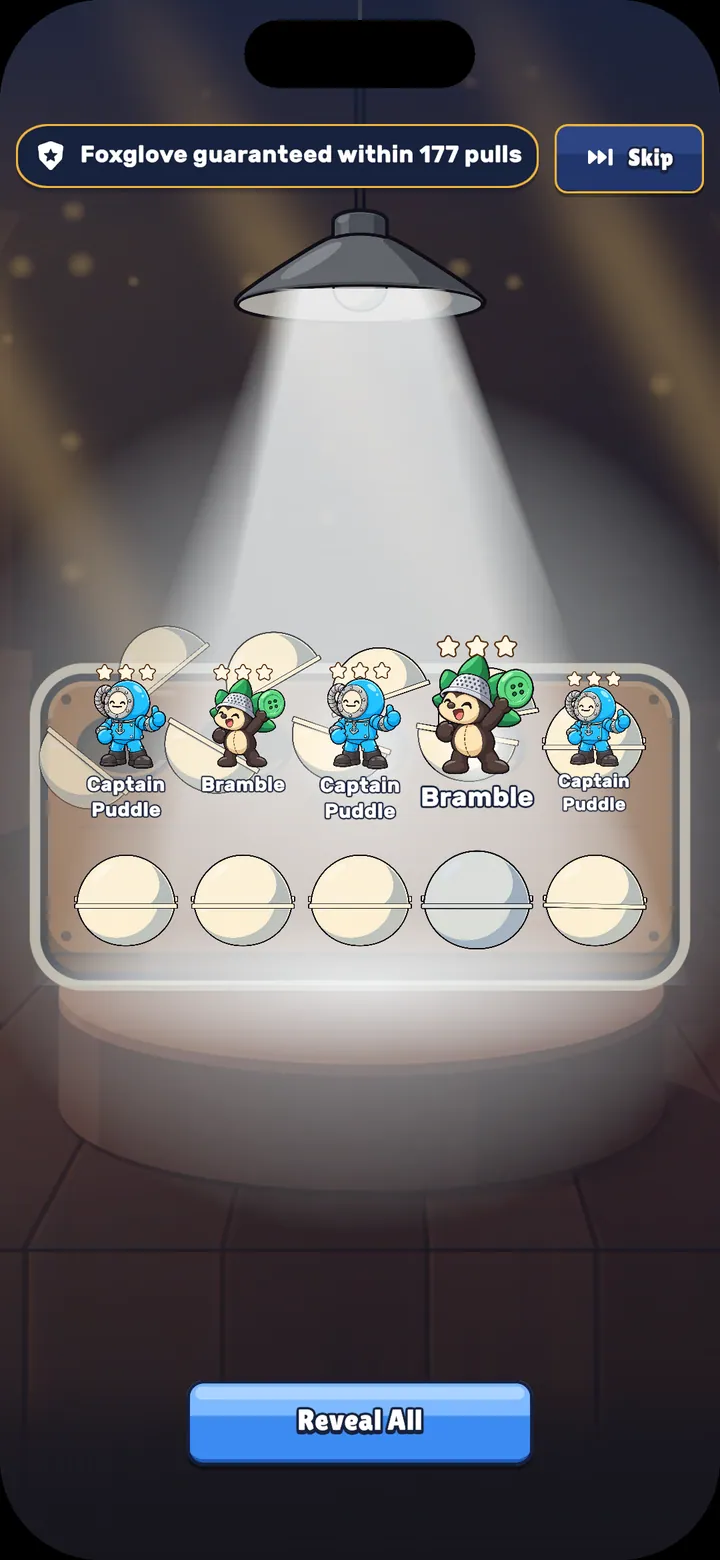
A ten-capsule drop: capsules open in a wave and the new figurines are revealed. 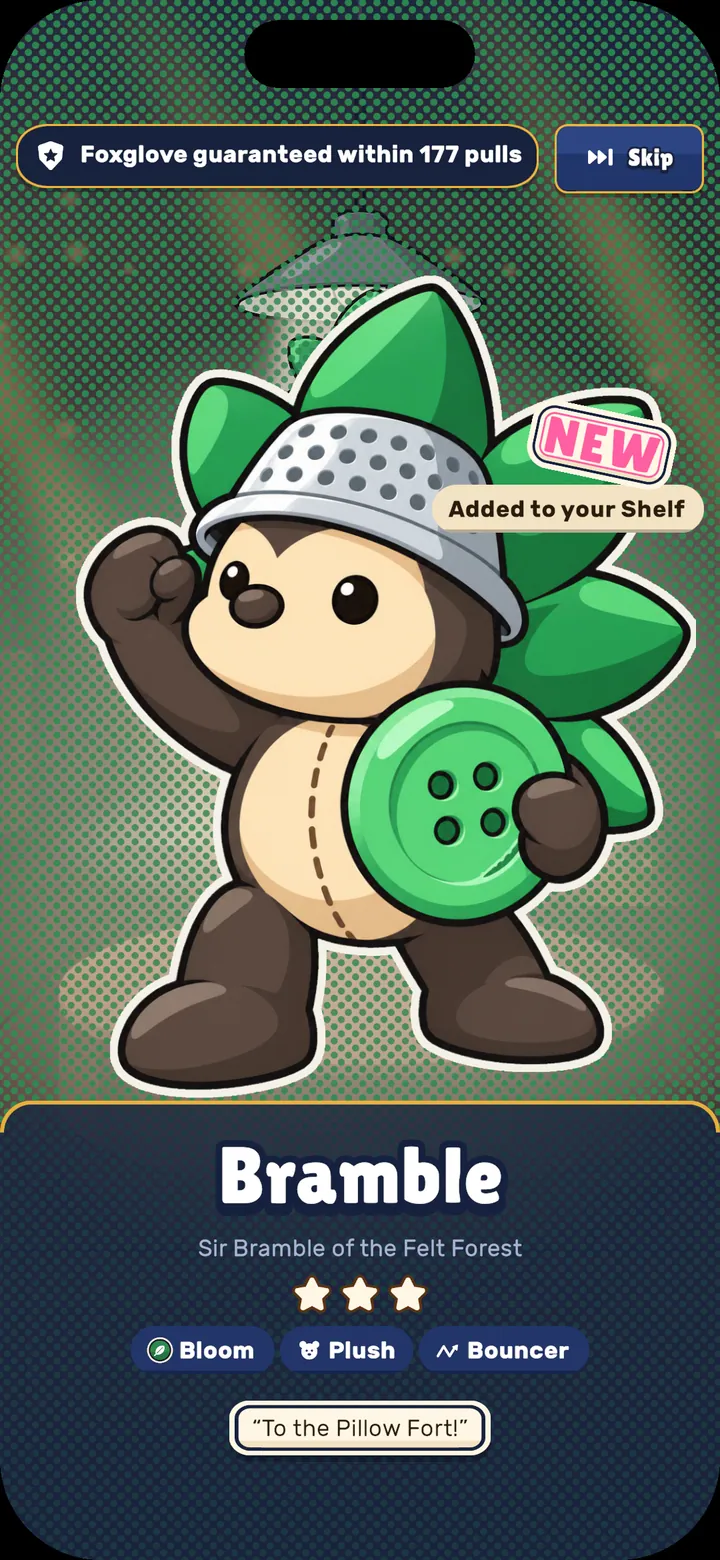
A three-star summon revealing Bramble. 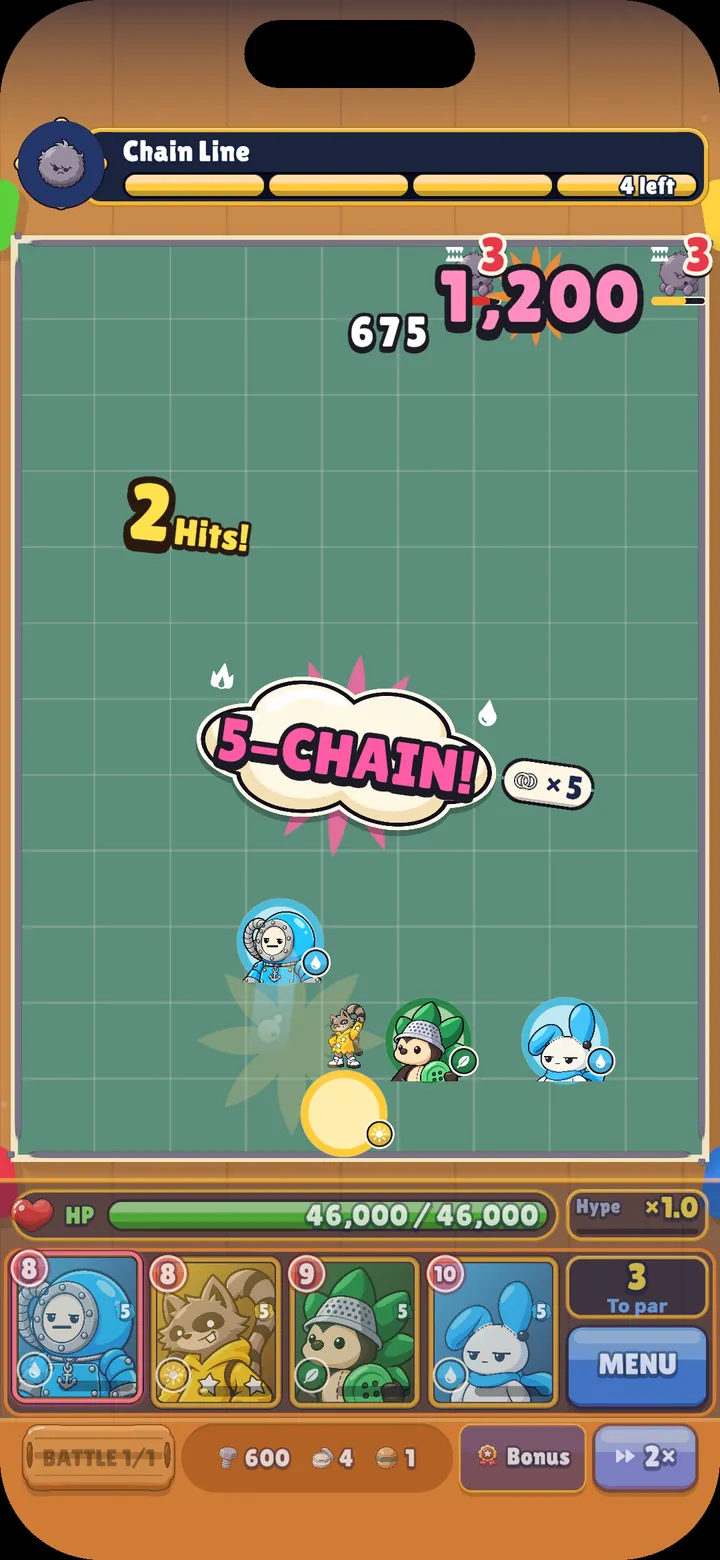
One launch ricochets around the arena and sets off an elemental chain. 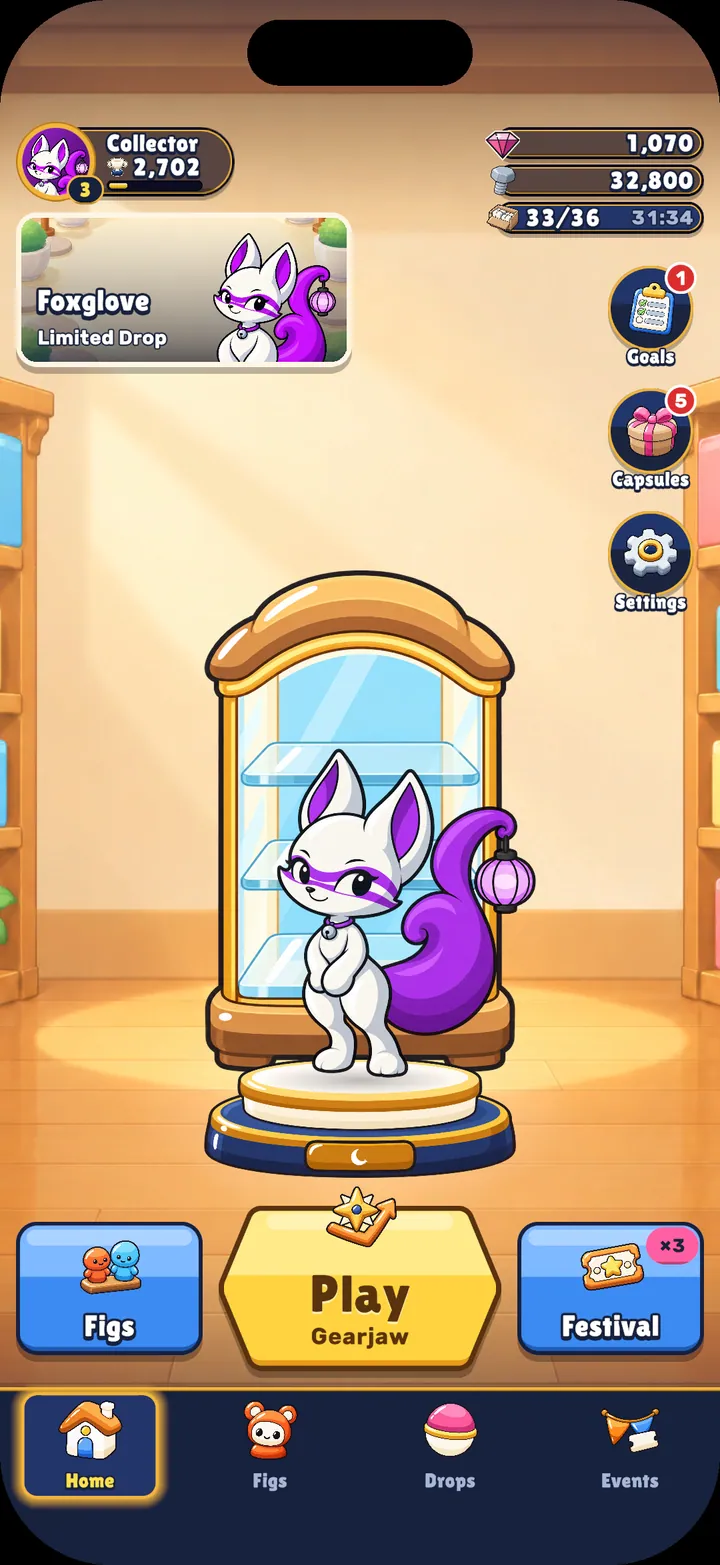
The first session of the game, from the home screen into the first battle.